> ## Documentation Index
> Fetch the complete documentation index at: https://docs.covara.ai/llms.txt
> Use this file to discover all available pages before exploring further.
# Create your account
> Sign up in minutes
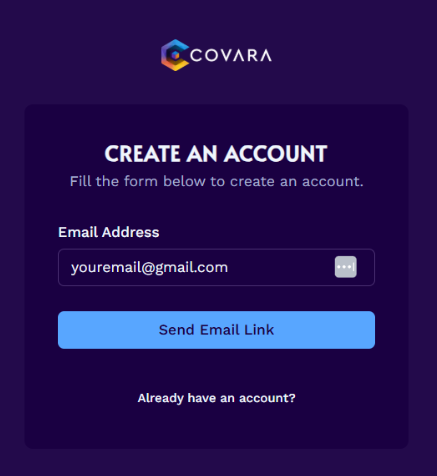 *Note: If you do not receive an email within a few minutes, please check your spam folder.*
*Note: If you don't have a team, just enter your name again.*
*Note: If you select the free version, you will NOT be prompted to enter your credit card information, but the button will still say "Proceed to Payment".*
***
Have any questions? Email: [**support@covara.ai**](mailto:support@covara.ai)
## Next steps
Upload your document and get policy genius insights.
*Note: If you do not receive an email within a few minutes, please check your spam folder.*
*Note: If you don't have a team, just enter your name again.*
*Note: If you select the free version, you will NOT be prompted to enter your credit card information, but the button will still say "Proceed to Payment".*
***
Have any questions? Email: [**support@covara.ai**](mailto:support@covara.ai)
## Next steps
Upload your document and get policy genius insights.