

1
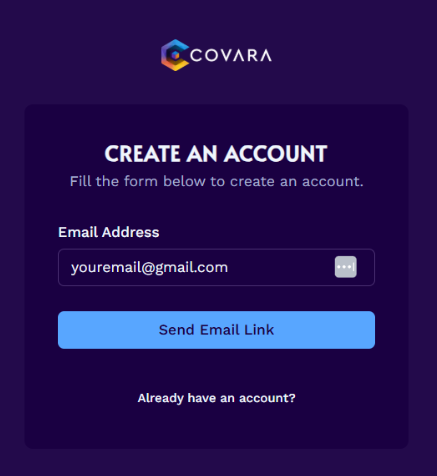
Go to www.covara.ai and click "Sign Up". It will prompt you to enter your email address and click "Send Email Link".
2
The email you receive will be titled "Confirm Your Signup".
Note: If you do not receive an email within a few minutes, please check your spam folder.
3
Click the "Confirm Email Address" button in the email to complete the account creation process.
4
Add Your Name, Your Team's Name, and select your Preferred Plan.
Note: If you don’t have a team, just enter your name again.
5
Click "Proceed to Payment" and enter your payment details.
Note: If you select the free version, you will NOT be prompted to enter your credit card information, but the button will still say “Proceed to Payment”.
6
Click 'Subscribe'. You will be directed back to Covara's home page.
7
Click your Team Name to enter the Covara Dashboard.
Have any questions? Email: support@covara.ai
Next steps
Create Your First Policy Report
Upload your document and get policy genius insights.